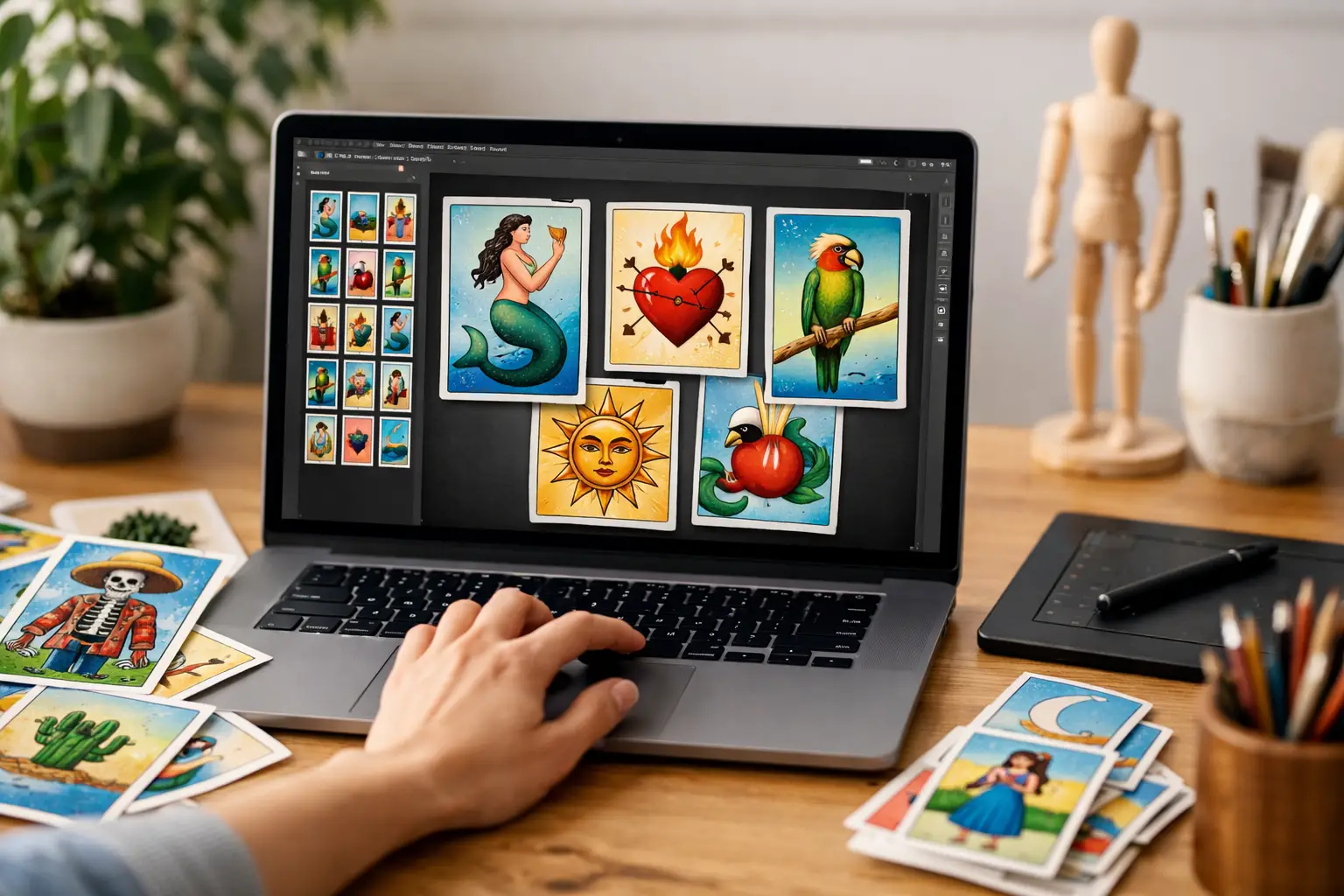
A favorite aunt with a legendary salsa recipe. Your wedding party in matching sunglasses. The cousin who is always late. These are better game cards than another generic template. Lotería design software gives you a focused way to turn the people, memories, and humor that matter to your group into a deck everyone will want to play.
The appeal is bigger than putting a photo on a card. A custom Lotería deck keeps the recognizable rhythm of the game while making every reveal personal. It can be a birthday activity, a family-reunion keepsake, a classroom conversation starter, or a branded giveaway that people actually keep. The right tool handles the creative work and the production details together, so your idea can become a polished, playable set.
What Lotería Design Software Should Actually Do
Generic design platforms can help you make a single flyer or social post. Building a full Lotería game is different. You need a collection of coordinated cards, editable names, game boards, consistent artwork, and files that are ready to print at the right size. Trying to force that workflow into a blank canvas can turn a fun idea into hours of duplicating layouts and fixing tiny inconsistencies.
Purpose-built Lotería design software starts with the game structure. Instead of designing 54 separate cards from scratch, you can focus on the part only you can provide: the people, places, objects, jokes, and stories that belong in your deck. The software should keep the visual system consistent while giving each card its own personality.
For most personal projects, the most useful features are photo uploads, cartoon-style image transformation, editable card titles, theme options, deck organization, and generated game boards. Professional print preparation matters just as much. A beautiful screen design is not enough if your text is too close to an edge, images look soft in print, or cards do not line up cleanly after cutting.
Start With People and Stories, Not Empty Cards
The strongest custom decks have a point of view. Before uploading anything, decide what your deck is celebrating. A wedding deck might feature the couple, their pets, signature drinks, and the people who made the day possible. A family deck can spotlight grandparents, favorite foods, nicknames, and traditions. For a workplace event, use team personalities and everyday office moments rather than stiff headshots alone.
You do not need to map every card perfectly before you begin. A loose set of categories makes the process easier: people, food, places, traditions, funny habits, and memorable objects. That gives your deck variety while keeping it connected to one shared story.
Personalization works best when the details are specific. “The Tío” is warm, but “El Rey del Asador” may get a laugh before the card is even called. “The Dog” becomes more memorable when it is “La Reina Luna,” especially if everyone knows Luna runs the house. Use names your group recognizes, but keep card text readable from a few feet away.
Upload Photos That Give Your Cards Energy
A good photo does not need to look like a studio portrait. It needs a clear subject. Choose images where the person, pet, or object is easy to recognize, with decent lighting and enough space around the subject for a clean crop.
Photos with one main person usually transform best. If you are using a group image, make sure the faces are not tiny or partially blocked. Avoid heavy filters, dark backlighting, and screenshots that have already been compressed several times. A sharper original gives the cartoon-style artwork more detail to work with.
Variety helps the final deck feel lively. Mix smiling portraits with candid poses, favorite outfits, a beloved car, a plate of tamales, or the family porch. A deck made entirely of close-up selfies can feel repetitive, even when every face is meaningful. Think of the cards as a visual guest list for the world you are building.
Cartoonify, Then Make Every Card Yours
Turning photos into illustrated artwork is where a personal deck begins to feel cohesive. Cartoon-style visuals can bring together images taken in different places and lighting conditions, creating a deck that feels designed rather than assembled. They also keep the focus on expression, gesture, and personality.
After the image transformation, customize the text with the same care you gave the photo. You can honor traditional Spanish naming conventions, mix English and Spanish naturally, or create entirely new titles that fit your community. There is no single correct balance. The best language choice is the one that sounds like your table.
Keep an eye on tone as you edit. Friendly teasing can be one of the best parts of a family deck, but a card title that feels funny to one person may feel too sharp to another. For a public event, classroom, or client project, choose references your whole audience can enjoy. Personal does not have to mean private, and playful does not have to mean exclusionary.
Themes and consistent text styling help the deck hold together. Select a look that supports the occasion, whether that means bright party color, a polished wedding palette, or a bold visual identity for a small business. Then let the photos and titles carry the personality. Too many competing colors or decorative effects can make the cards harder to read when the game gets fast.
Build Game Boards With Real Play in Mind
The cards get attention first, but the game boards are what turn your deck into an experience. Each board should offer a different arrangement of card images so players are not all waiting for the same final square. This is especially important for larger gatherings, where several simultaneous winners can make the game less exciting.
Think about who will be playing. A family game with young kids and grandparents benefits from larger, clearer imagery and names that are easy to call out. A grown-up reunion can lean further into inside jokes. If your event has a set schedule, make enough boards for the expected group and a few extras for late arrivals or surprise guests.
A focused platform such as Modern Lotería Studio makes it easier to move from edited cards to coordinated game boards without rebuilding the deck in separate design files. That removes one of the most frustrating parts of DIY game creation: making sure every board uses the right cards and still looks intentional.
Print-Ready Files Are Part of the Design
A custom deck is meant to be held, shuffled, marked, and passed around. Print preparation is not a final technical chore. It is part of the product.
Look for files created with the correct dimensions, safe margins, and resolution for physical printing. Safe margins keep important names and faces away from the cut line. High-resolution artwork helps preserve clean color and detail. If your printer requires bleed, meaning artwork extending beyond the finished trim edge, make sure the exported file is prepared for that process.
Your material choice depends on the occasion. A casual family game may be perfect on sturdy cardstock. A keepsake wedding deck might deserve thicker stock or a professionally finished set. If you expect repeat play at community events, consider durability first. A more elaborate finish can look special, but it may not be necessary for every project.
Before placing a larger print order, review the exported files at full size and, when possible, print a sample. Check that names are readable, faces are recognizable, and colors still feel clear on paper. Screens are bright by nature; printed color can appear a little different. A quick proof can prevent a whole batch of tiny text or overly dark images.
When a Specialized Tool Beats a General Design App
A general design app makes sense when you need one decorative card or already have a professional designer managing the full layout. It may also be the better option when your project calls for a completely experimental game format that does not follow Lotería’s familiar structure.
For a complete personalized deck, however, specialized software saves time because it is designed around the decisions you actually need to make. Upload an image. Cartoonify it. Edit the card title. Choose the visual direction. Generate coordinated cards and game boards. Prepare files for print. The process stays centered on creating the game rather than troubleshooting the layout.
That difference matters when you are planning an event with a real deadline. You should be choosing the funniest photo of your brother-in-law, not trying to align 54 text boxes at midnight.
Your deck does not need to imitate anyone else’s family, party, or tradition. Give it the names your people use, the colors that feel like the occasion, and the stories that make the room light up when a card is called.